
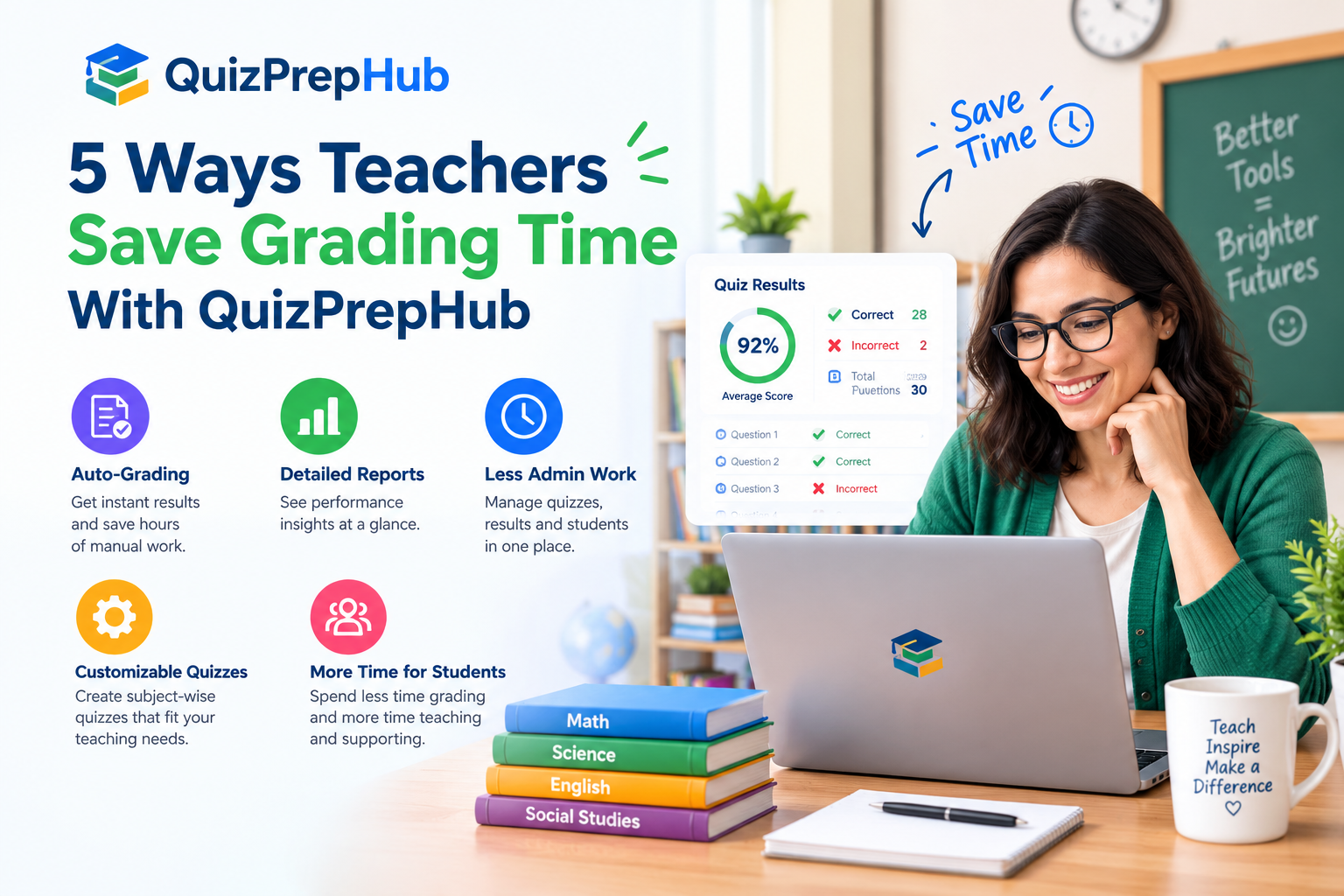
Grading is the part of teaching that eats the most hours for the least visible benefit — by the time a graded quiz is handed back, most students have already moved on mentally. Here are five ways teachers use QuizPrepHub to get that time back while still getting a clear picture of how the class is doing.
First, every quiz is auto-graded the moment a student submits it. There's no stack of papers to mark and no manual answer-key checking — scores, correct/incorrect breakdowns, and time spent per question are calculated instantly, for every student, at the same time.
Second, building a quiz itself takes minutes, not an evening. Choose the grade, subject, and topic, set the number of questions and a time limit, and QuizPrepHub assembles the quiz from its question bank — no need to write or source questions from scratch for routine practice and review.
Third, getting a quiz in front of students doesn't require collecting emails or setting up accounts one by one. Share a 6-character class code, a direct link, or a QR code, and students join in one tap — useful for a class of 5 or a class of 50.
Fourth, once results come in, topic-wise analytics show exactly where the class is strong and where it isn't — not just an overall average, but a breakdown by concept, so you can see that, say, 60% of the class is solid on Linear Equations but struggling specifically with Graphs & Functions, without reading through individual answer sheets to spot the pattern.
Fifth, everything exports — download a PDF report for record-keeping or a parent-teacher conference, or export to CSV if you want to pull the numbers into your own gradebook or spreadsheet. Combined, these five things typically turn what used to be an evening of grading and a separate hour of figuring out what to reteach into a five-minute check after class.